
Booking and checkout software for barbershops and hair salons

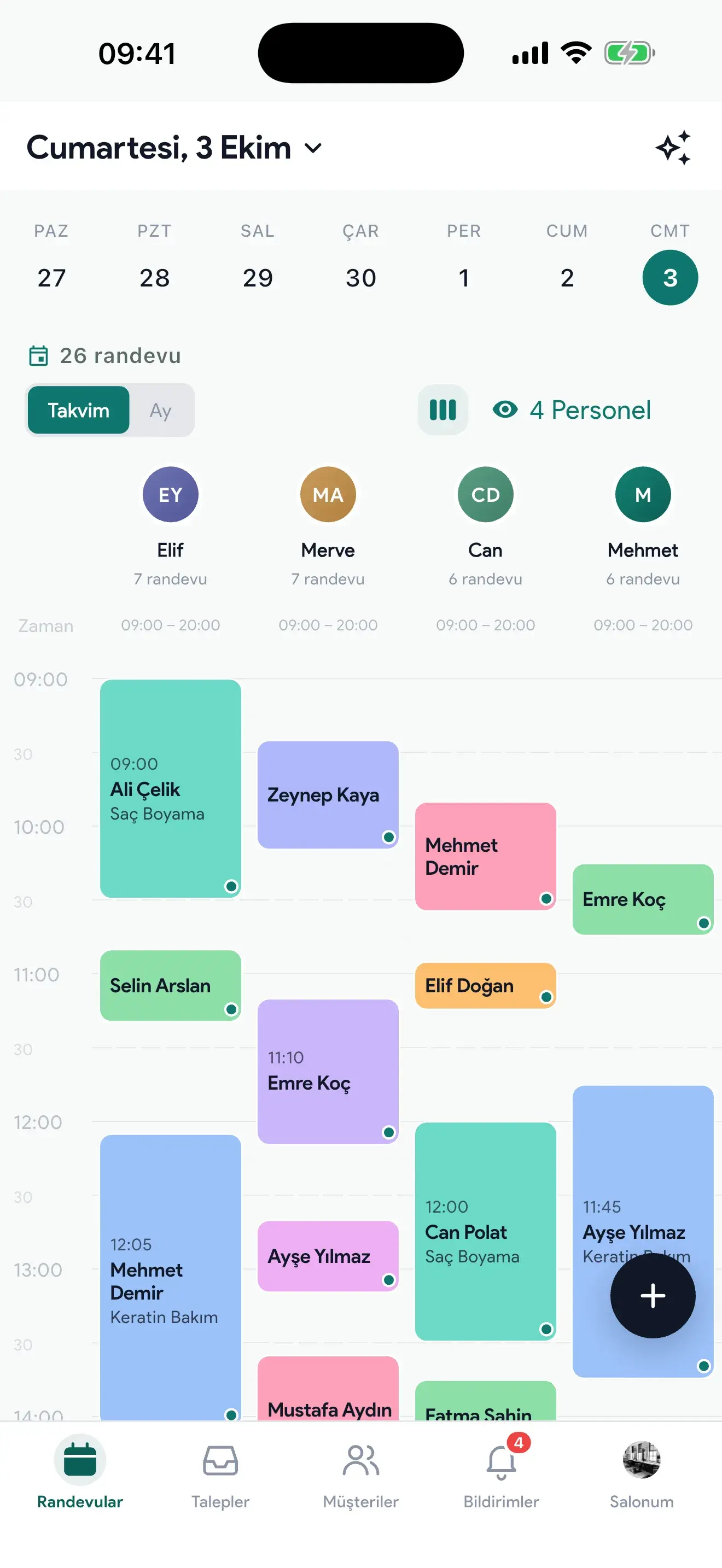

Bookings, checkout, staff commissions and inventory in one app: Rezzim Salon. Clients book around the clock from your page on rezzim.com, and each booking lands in your app instantly.
14 days free · No credit card required

No credit card needed; applications are usually approved the same day.
Prefer to start on your phone? Download the app from the App Store or Google Play.
Easy cancellation
Use it until the end of your billing period
Your data is yours
If you leave, take your client list with you or have it deleted
Support every day
On WhatsApp, 09:00–24:00 (GMT+3)
Secure payment
App Store and Google Play
Some of the salons working with Rezzim
Isparta, İstanbul, Ankara, Trabzon, Eskişehir, Hatay, İzmir, Gaziantep, Bursa, Muğla, Samsun, Ordu
 Osman BalcıIsparta
 İmaj Maker Mustafa SarıkayaBeşiktaş, İstanbul
 Q Man Plus KuaförPursaklar, Ankara
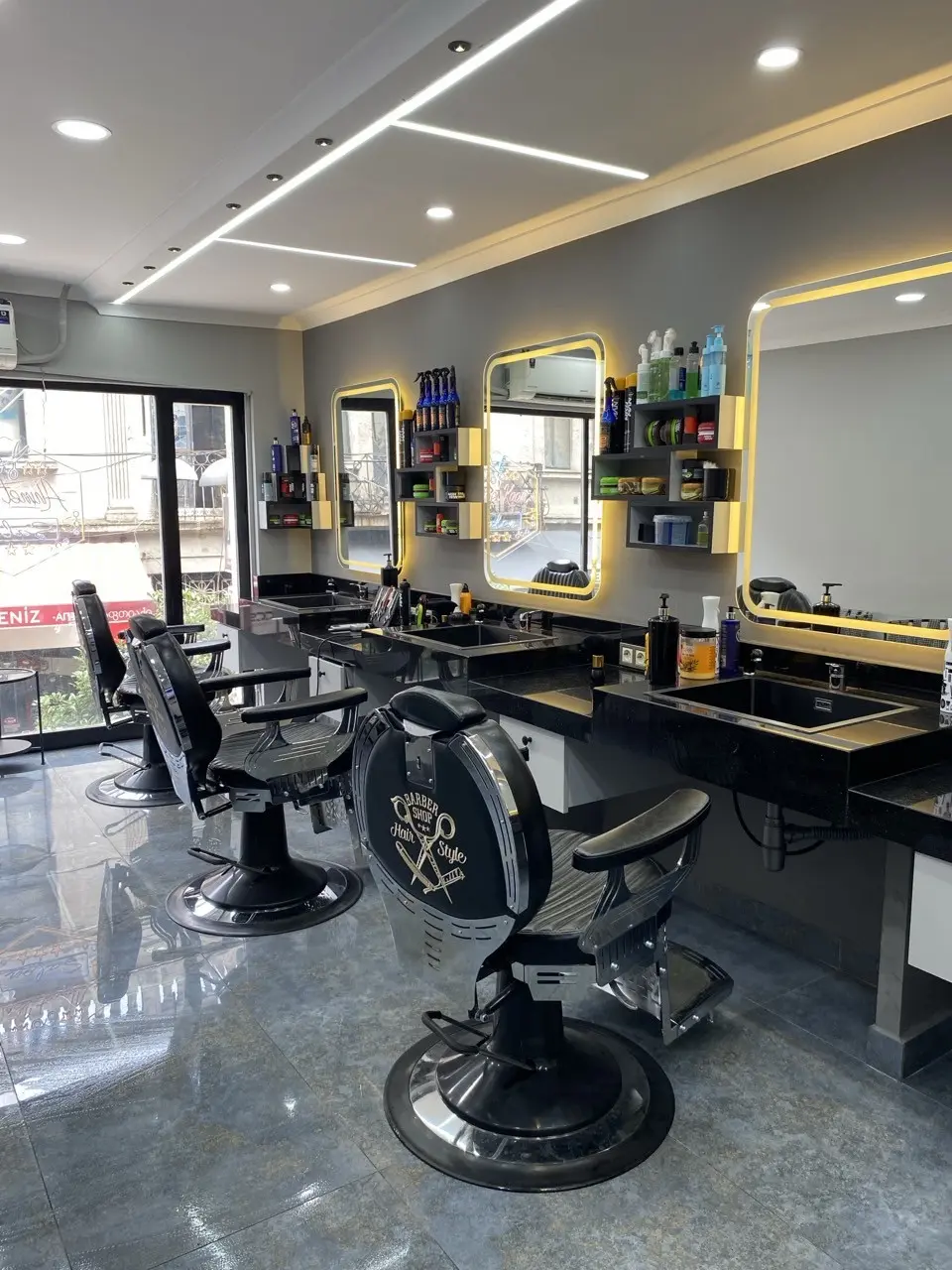 Ömer Yiğit OfficialOrtahisar, Trabzon
 Saloon HYOdunpazarı, Eskişehir
 Cadde barber shopAntakya, Hatay
 FLORYA VİP BARBER SHOPBalçova, İzmir
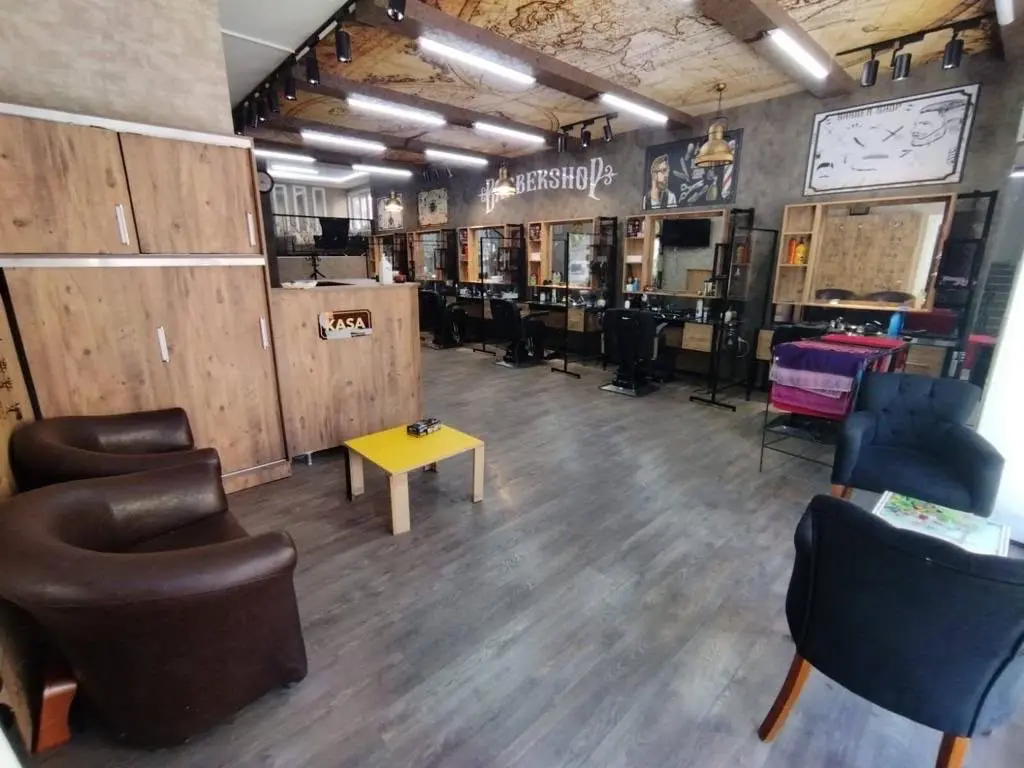 Glow Men’s UĞURKAN ESİMŞehitkamil, Gaziantep
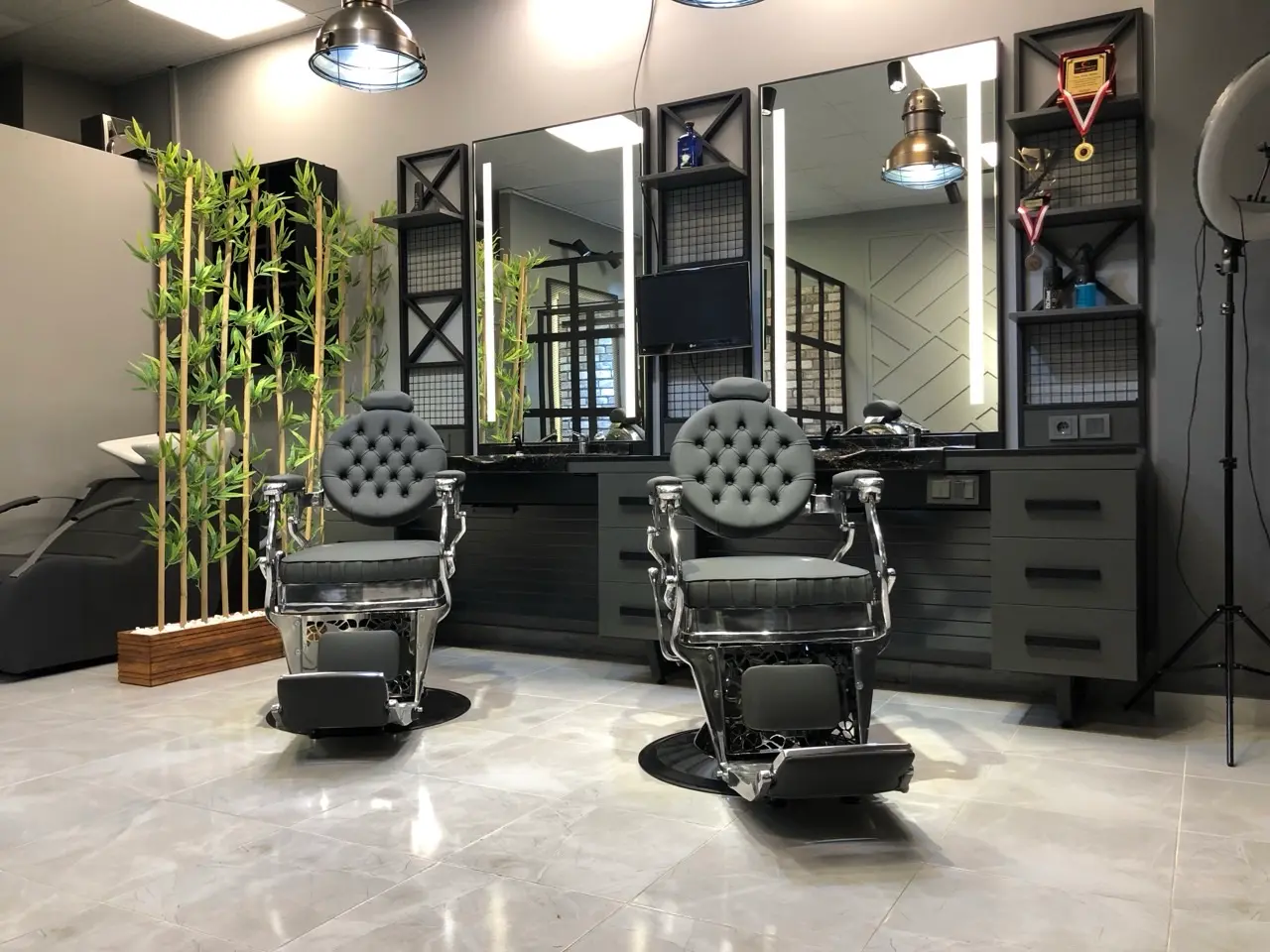 Hairart Serdar koyunOsmangazi, Bursa
 Bahar Beauty Kuaför & Güzellik SalonuMilas, Muğla
 Rıdvan Türk Erkek KuaförüAtakum, Samsun
 İbrahim MemişÜnye, Ordu
For salons of every size
The same app from a one-chair barber to a ten-person beauty center. Salons offering skin care and hair removal use it too.

Barbershop 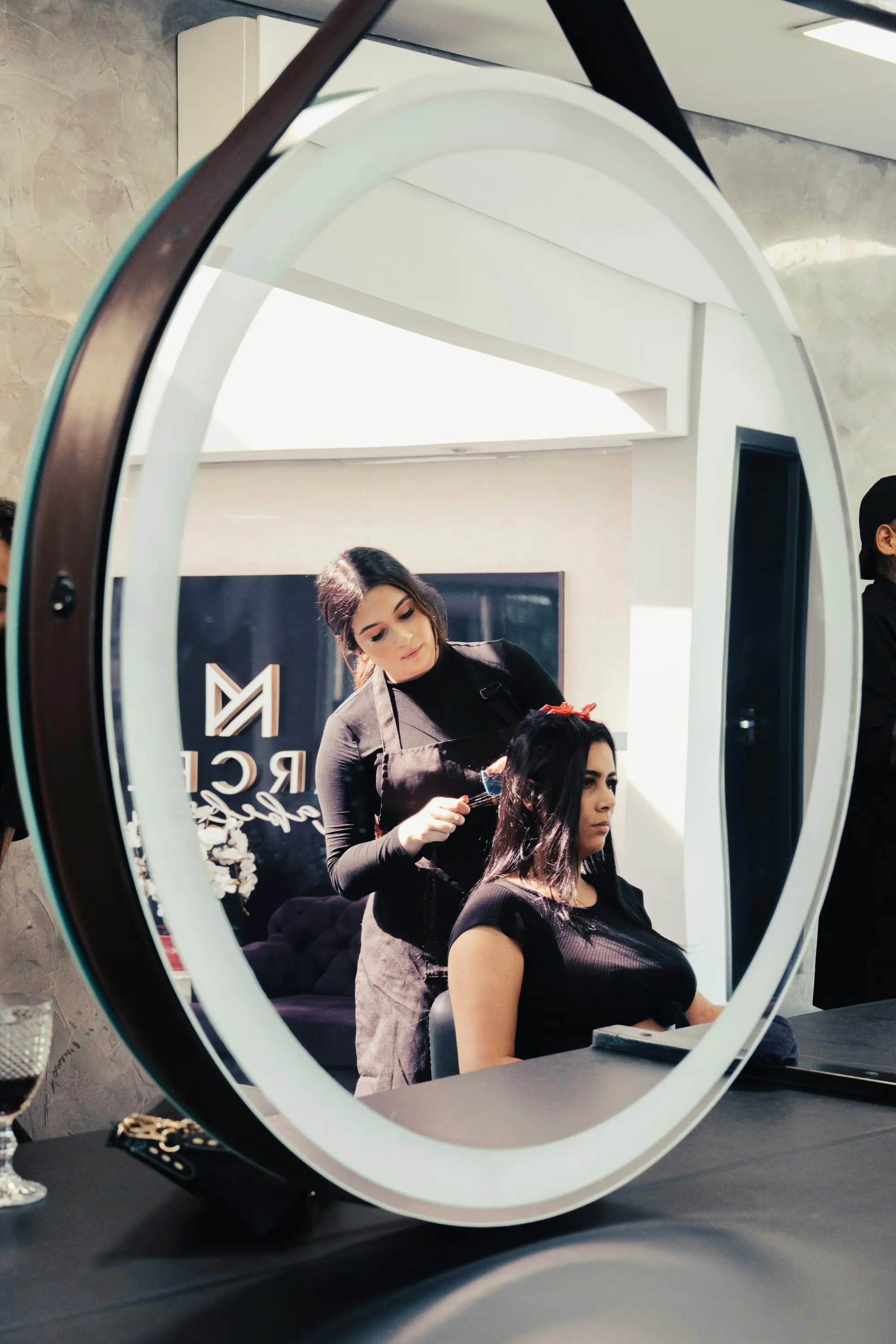
Hair salon 
Nail studio 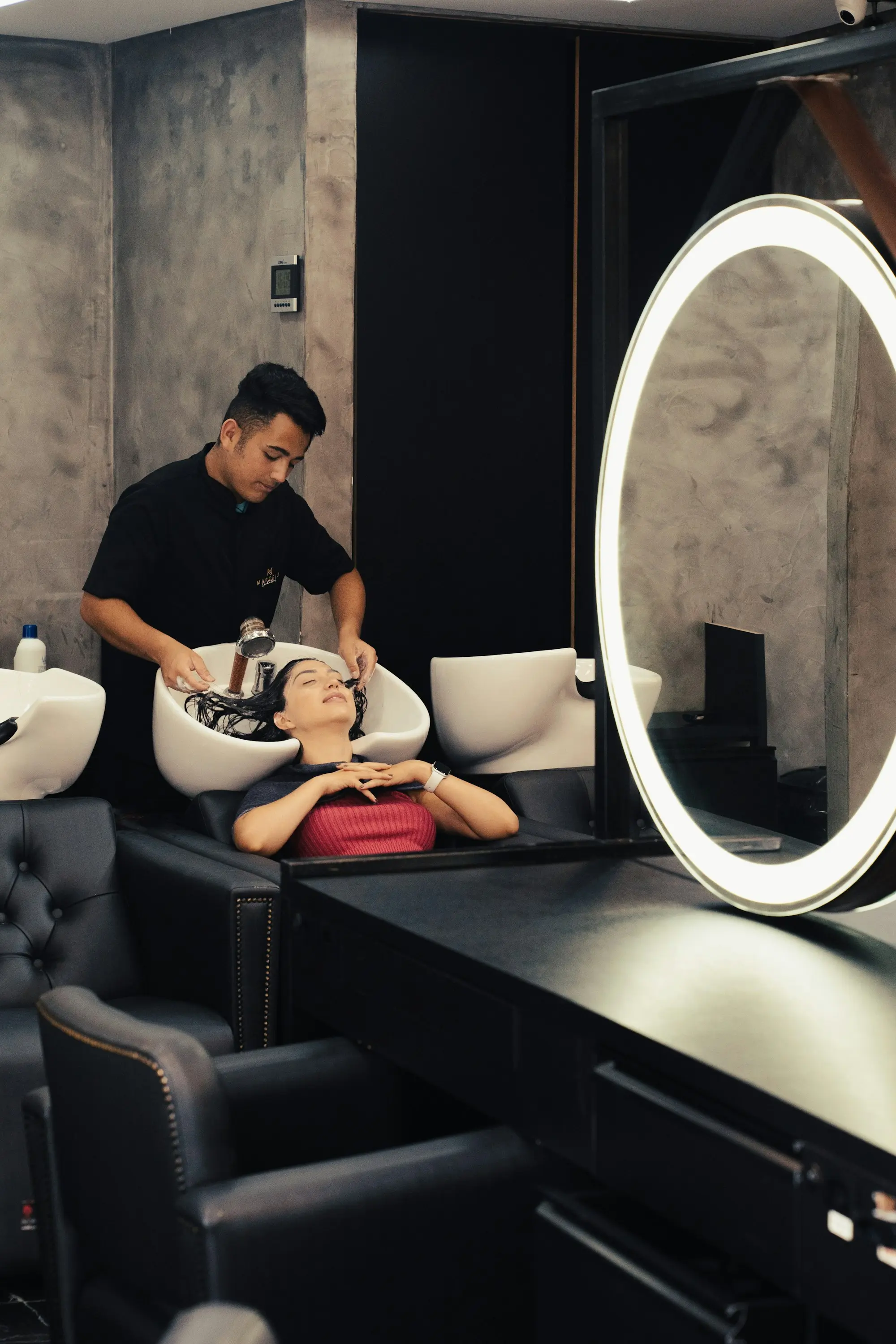
Beauty center
Get bookings even while you sleep
Your salon gets a page on rezzim.com. Clients see open times, enter their name and phone number and book — no app download or sign-up needed.
- Add the link to Instagram, your Google Business Profile and WhatsApp
- New bookings arrive as notifications in your app; the client gets a confirmation SMS and can add the appointment to their phone's calendar
- An SMS reminder can go out to the client before the appointment; you can also send a reminder on WhatsApp with one tap
- Clients who can't make it cancel or reschedule themselves, and the slot opens up again
- If the day is full, clients join the waitlist; when a slot opens, we let you know
Your checkout and profit, always at hand
Add services and products sold to the ticket; cash, card and bank transfer show separately. Income, expenses and what you keep on one screen.

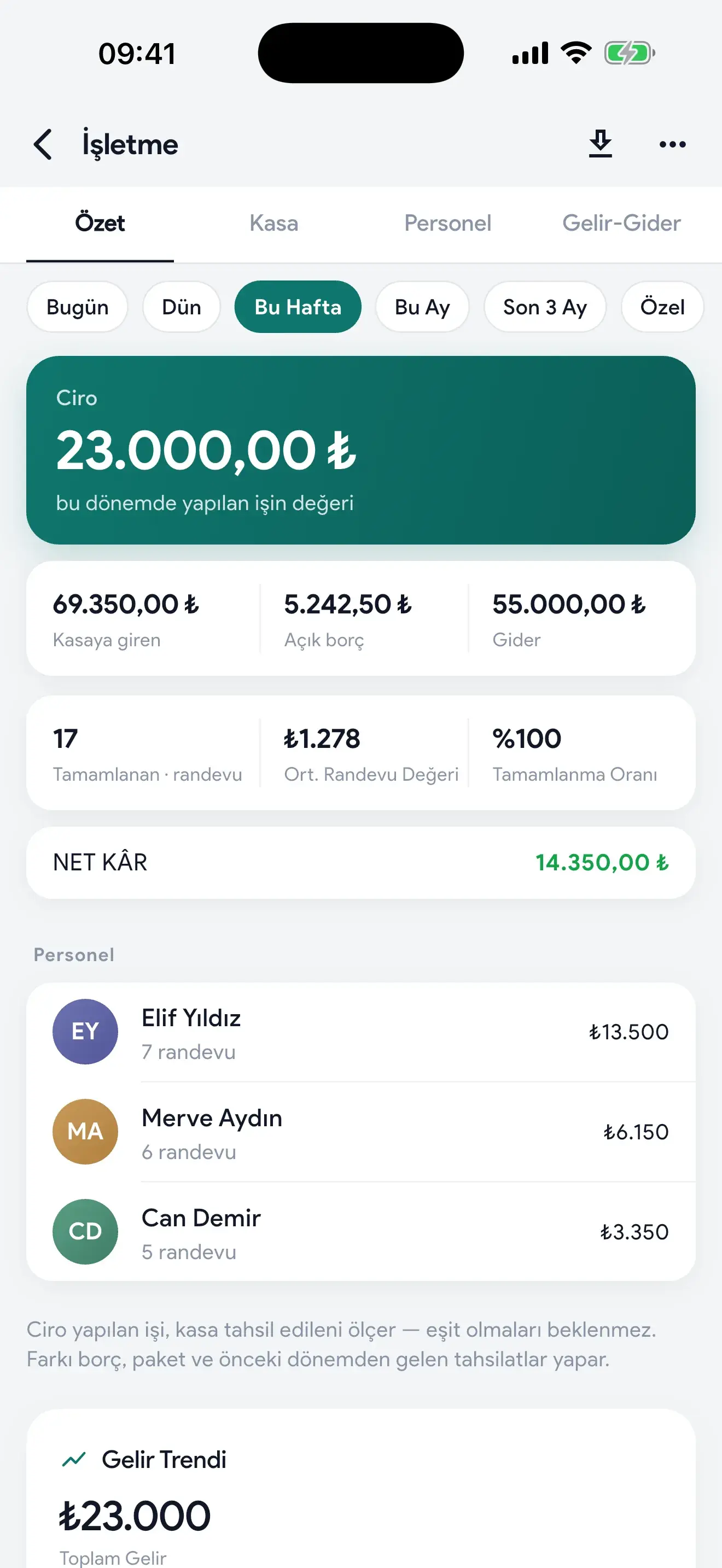
- Package sales and remaining-session tracking
- Products sold are deducted from inventory automatically
- Track receivables and payables
- Export reports as PDF
- Lock the checkout, revenue and commission screens with a password if you like
- Keep personal expenses in a separate ledger so they don't mix with the salon's profit
Stay organized as your team grows
Each staff member has their own calendar. Commissions are calculated automatically from service revenue at the rate you set; no more tallying on paper at month's end.

- Paid and outstanding commissions tracked separately
- Appointments and revenue per staff member
- Move an appointment to another staff member's column without deleting it
- Permission settings and staff working hours
- Attendance log: absences, sick days and days off
Every client's history on one card
The client card shows how many times they've visited, whether they've ever missed an appointment, which service they book most and how much they've spent. Calling or messaging on WhatsApp is one tap.

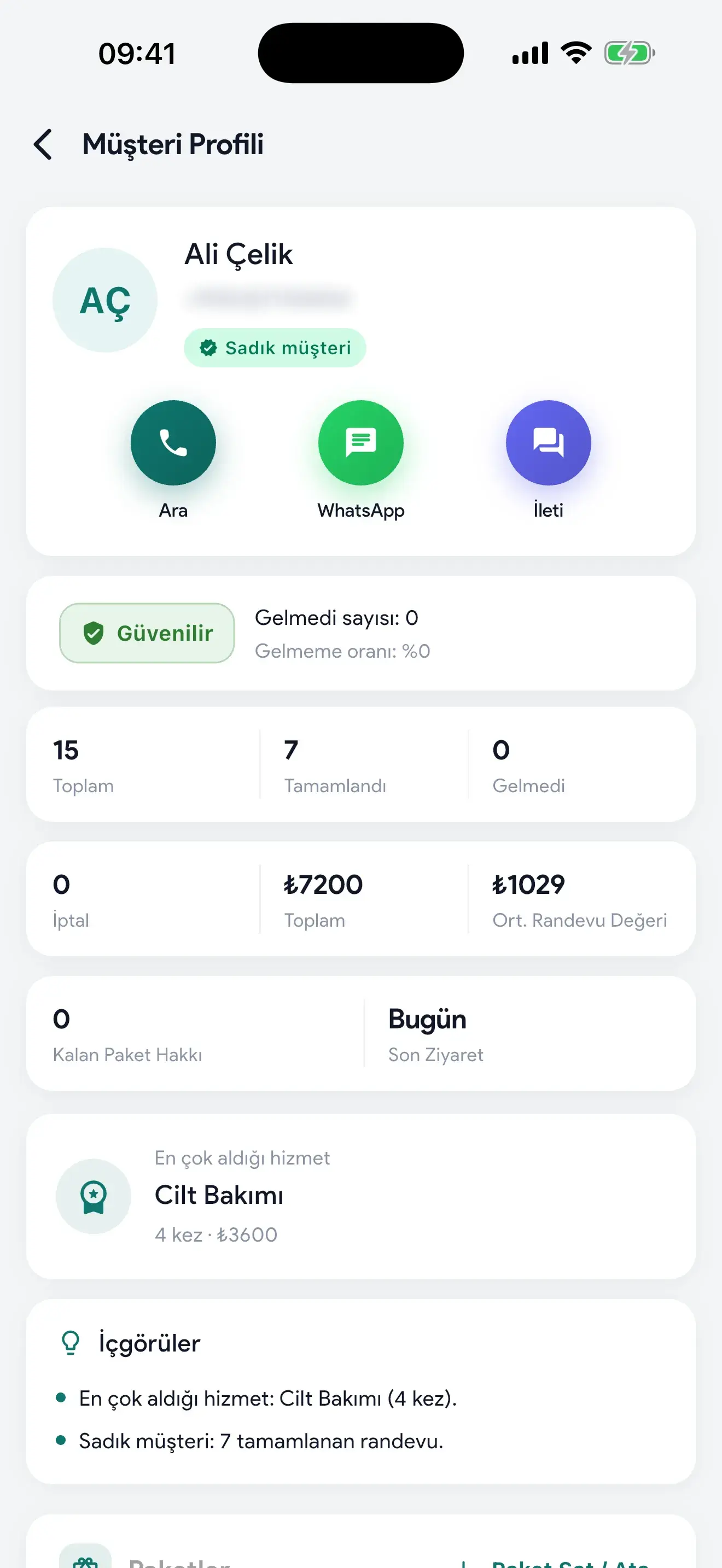
- Loyal and reliable client tags
- Remaining package sessions and average ticket
- Last visit date, so you notice who hasn't been back in a while
- A cake icon on the calendar as a birthday approaches, and one-tap WhatsApp greetings
- Import clients from your contacts with one tap
Fill quiet hours and bring clients back
Choose which service, which day and which hours get a discount. Bookings in those hours get the discount automatically, and it shows on your salon page.

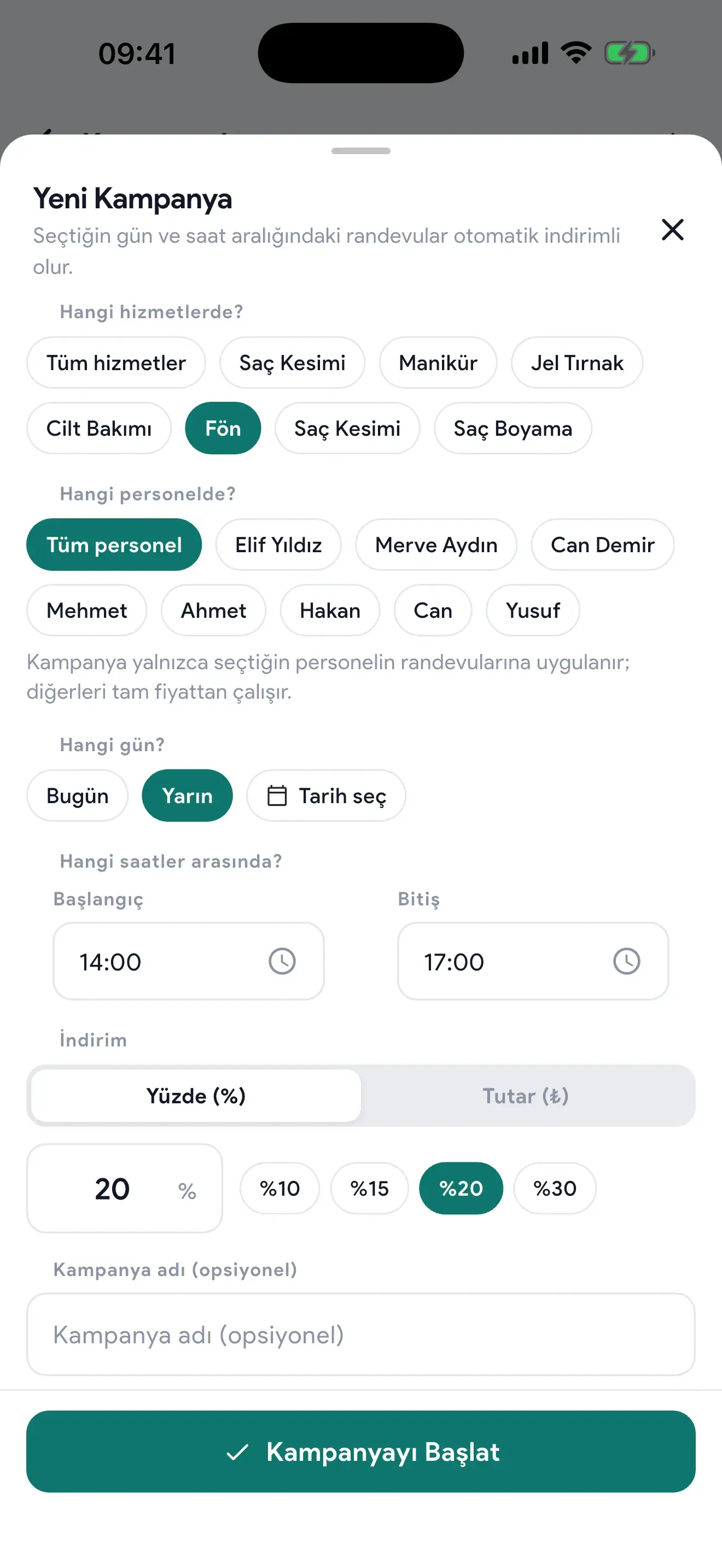
- Promotions by service, staff member and time
- Discount as a percentage or a fixed amount
- A review invitation goes to the client automatically after a completed appointment
- Share 5-star reviews in your Instagram story

Behind every growing salon is good organization
When your calendar, checkout and team are in one place, you run the day — the day doesn't run you.
No credit card needed; applications are usually approved the same day.
Ask Bilge anything
Bilge is the AI assistant in the app. Ask "How are we doing compared to last week?" and Bilge answers from your booking and checkout records. Tell it about an expense and it drafts the entry for you to approve.
You can add appointments by typing or speaking too: on the Appointments screen, just say "Tomorrow 14:00 Ahmet Yılmaz, haircut and beard." If anything is missing, the app asks.
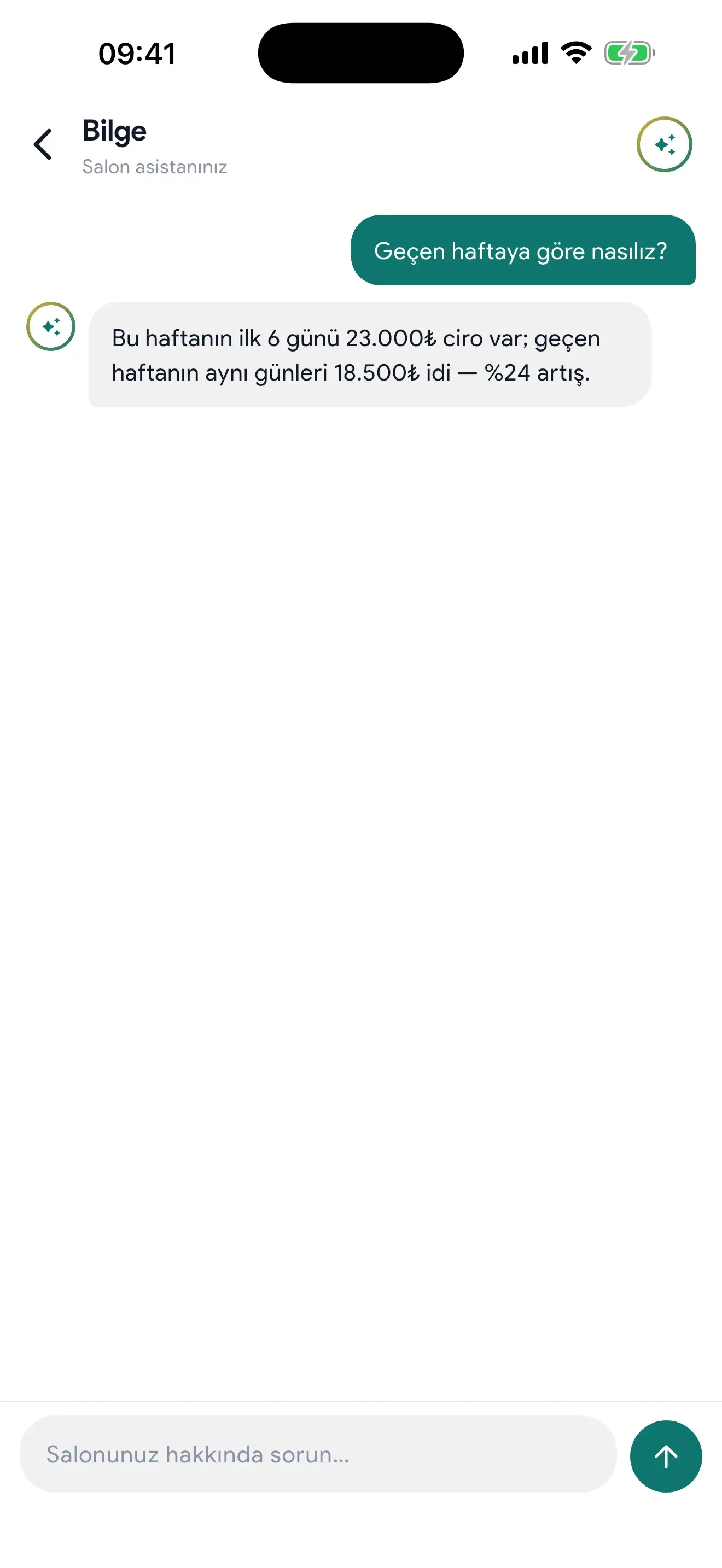
A few of the ready-made questions in the app:
- How did this month go?
- Who did the most business?
- Any open times tomorrow?
- Which clients haven't been back in a while?
- iPhone and Android
- The app is on the App Store and Google Play.
- Apple Watch
- The day's summary on your wrist, and voice booking.
- Widget
- Next appointment and today's revenue on your home screen.
- Web panel
- From your computer at salon.rezzim.com.
What's new
Rezzim Salon is updated every week based on requests from salon owners. Here's what arrived in recent weeks:
Waitlist
If the day is full, clients join the waitlist on rezzim.com. When an appointment is canceled and a slot opens, you get a notification; call the client and book them with their details already filled in.
Review invitations
When you mark an appointment as completed, the client automatically gets a review invitation. The rating and review appear on your salon page.
5-star review moment
When a new 5-star review comes in, the app shows it to you. Reply with one tap or share it to your Instagram story as a ready-made image.
Monthly recap
Last month's appointments, clients and revenue, top service, staff member of the month and most loyal clients in one recap. The story image doesn't include client names or revenue.
Client birthdays
Save the birthday on the client card. As it approaches, a cake icon appears on the calendar and you send a greeting on WhatsApp with one tap.
Multiple appointments at the same time
Like doing a blow-dry while another client's color sets: book a second client at the same time. Turn it on or off in salon preferences.
Back-to-back services with different staff
Clients pick one of your staff for hair and another for a manicure, and book both back to back in one go.
Color-coded calendar
Each service has its own color. Dragged appointments snap next to their neighbor, you get a warning when moving onto a booked time, and busy days stand out at a glance in month view.
Type to book in the web panel
Type "Tomorrow 14:00 Ayşe, haircut" on your computer and a draft appointment is ready; once you approve, it goes on the calendar. You can block and unblock times from the same place.
"Are you free tomorrow?" link
When a client asks this on Instagram, send them a link to your salon page set to tomorrow. The page opens with tomorrow selected, and the client sees open times and books.
Appointment notes
Add a note about a deposit or a client's special request to the appointment. Notes show as an icon on the calendar block and can be added or edited later.
Rezzim Pioneer Salon
A numbered badge and certificate for Rezzim's first 100 active salons. The badge appears in the app and on your salon page on rezzim.com.
Every feature in every plan
Solo, Salon and Pro differ only in the number of staff; there's no setup fee. For pricing, message us on WhatsApp.
Solo
1 staff account
All features included
Request a quote on WhatsAppSalon
6 staff accounts
All features included
Request a quote on WhatsAppPro
10 staff accounts
All features included
Request a quote on WhatsAppEnterprise
Number of staff by agreement
All features and add-on modules; a website with online booking on your own domain and, if you want, your own custom mobile app.
Request a quote on WhatsApp
No credit card needed; applications are usually approved the same day.
Included in every plan
- Online booking and salon page
- Calendar for each staff member
- Tickets and checkout
- Staff commissions
- Packages and sessions
- Product sales and inventory
- SMS reminders, WhatsApp message templates
- Promotions
- Reports
- Assistant Bilge
- Booking by voice and text
- Apple Watch, widget and web panel
- Waitlist
- Review invitations
- Client birthdays
- Monthly recap and story sharing
- Appointment notes
- Personal expense ledger
Get started in three steps
Create your account
On your phone, download Rezzim Salon from the App Store or Google Play; on a computer, fill out the application form.
Set up your salon
Add your services, staff and opening hours, and import clients from your contacts with one tap. If you get stuck, we'll help on WhatsApp.
Share your link
Add your rezzim.com salon page link to Instagram, your Google Business Profile and WhatsApp, and the bookings start coming in.
Frequently asked questions
Can't find an answer? Message us on WhatsApp.
How does the free trial work?
You get every feature free for the first 14 days. We don't ask for a credit card, so nothing is charged automatically when the trial ends. If you want to continue, just choose your plan.
Can I cancel anytime?
Yes. A subscription bought in the app is canceled in your App Store or Google Play subscription settings; you can keep using it until the end of the period you paid for.
Is my data safe?
Your client list belongs to you. Rezzim processes your clients' data only on your behalf, never uses it for its own purposes and never sells it. If you leave Rezzim, your data is returned to you or deleted, as you choose.
Does it work on Android?
Yes, Rezzim Salon is on both the App Store and Google Play. To work from a computer, use the salon.rezzim.com web panel.
Do my clients need to download an app?
No. Your clients book from your salon page on rezzim.com without signing up — just a name and phone number.
What do clients do if the day is full?
They join the waitlist, leaving their name, phone number and preferred time window. When an appointment is canceled and a slot opens, you get a notification; call the client and book them using a form with their details already filled in. If you don't want a waitlist, you can turn it off in salon preferences.
How do I import my existing clients?
You can import clients from your phone's contacts into the app with one tap. If your list is in another program, message us on WhatsApp and we'll sort it out together.
How many staff can I add?
The Solo plan includes 1 staff account, Salon 6 and Pro 10. Features are the same in all three plans. For larger teams, we set the number of staff together in the Enterprise plan.
Can my staff use it too?
Yes. Each staff member downloads Rezzim Salon on their own phone and signs in to their own account with your salon code. You decide who sees screens like revenue, checkout and settings in staff permissions. If anyone gets stuck in the first days, we'll help on WhatsApp.
Can I get help with setup?
Yes. Our WhatsApp support line is open 7 days a week, 09:00–24:00 (GMT+3): +90 530 700 46 82.
Try it free for 14 days
You can set up your salon in a few minutes. If you get stuck, we'll help on WhatsApp.
No credit card needed; applications are usually approved the same day.
Prefer to start on your phone? Download the app from the App Store or Google Play.